

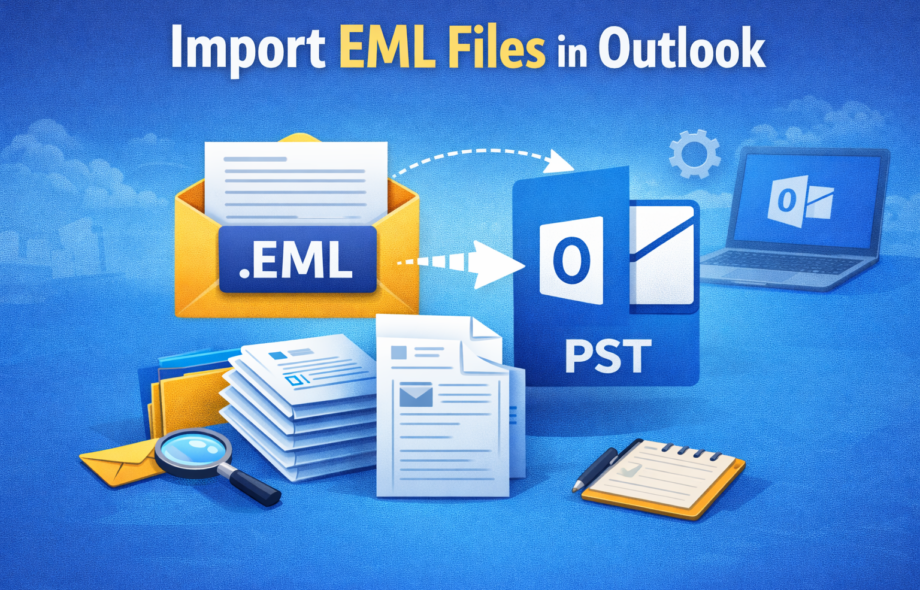
Many people tend to save their emails in EML file format but later some time, they come in the need to open them in MS Outlook for some daily use purposes or some urgent work related requirements. Here, in this blog, we will be explaining the process to import EML file in Outlook using manual exercises that are mostly risky for the health of your email data and how a professional tool is good if you want to do the migration in the safest manner possible.
Why Does Such a Need Surface in the First Place?
Has this ever happened to you upon receiving some crucial mails in EML file format, you felt stuck somehow as MS Outlook isn’t opening those emails straight away? Such a situation mostly arises when users change their email programs or switch jobs.
Now, imagine that you have years-old clients’ emails stored as EML files, and all of a sudden, your new manager in the office asks you to use MS Outlook only. What to do in such a scenario?
So, have you also tried clicking on an EML file only to find that MS Outlook is refusing to open that file properly? Read some more similar queries related to this:
Q: How to open EML files in Outlook safely?
Ans: You can either perform the manual drag-&-drop exercise or use a safe professional tool to accurately open EML files in Outlook.
Q: Is it possible to import multiple EML files into MS Outlook all at once?
Ans: Manual exercises are limited in some ways, but a professional tool helps you to bulk import .eml files in new Outlook.
Know What It Means to Open EML Files in Outlook
To do this process to import EML file into Outlook, you actually move your mail messages stored in EML file format into MS Outlook’s folders for reading, searching, & managing them comfortably. MS Outlook majorly works with PST file format. This makes this task very complicated. Many people also search for ways to import EML files into Outlook classic as MS Outlook is vastly utilised now in offices & business units.
When Do Users Need to Import EML Files into Outlook?
- While switching from Mozilla Thunderbird, Apple Mail, or Windows Live Mail
- During job changes where MS Outlook is mandatory in the new workplace
- For some legal needs or audit email storage purposes
- For email backup recovery
- While shifting emails to a centralized system
- When you have to move EML files to Outlook for comfortable access
Statistics Showcasing the Significance
As per Statista (Email Client Market Share), MS Outlook is being used by more than 400 million users globally, making this as one of the most popular email clients.
A Corporate-World Relatable Case
- A highly experienced IT manager had around ten thousand files with him from an old mail server. Dragging those files one by one would take a long time and may even cause missing email attachments. This indicates the significance of having the right professional tool for this purpose.
- He said, “In my 14-year long career, I have learnt that email data transfer isn’t about moving email data alone, it is about protecting trust as well as safeguarding critical records.”
Manual Exercises to Import EML File in Outlook
Manual Exercise 1: Try the Drag & Drop Method
You can try to manually drag EML files into MS Outlook folders.
Pros:
- This is a free to try method
- This process is simple if you have only a few files
Cons:
- There could a risk of missing attachments
- Such a way isn’t good enough for bulk files
- These steps take plenty of time
Manual Exercise 2: Try Using Windows Live Mail
This consists of importing EML files first into Windows Live Mail and then exporting those to MS Outlook.
Pros:
- You can organize your emails
- This is also a free technique to try
Cons:
- Windows Live Mail has been discontinued
- The steps are tricky and complex for a normal individual
- There are pretty high failure chances
Why Do Manual Exercises Fail Often?
- There is no support for bulk migration
- There is high risk of data loss
- Folder structure might even break during the process
- Such ways are not suitable to import EML files into Outlook classic
- You can’t bulk import .eml files in new Outlook using such exercises
Professional Tool Is a Safer Solution to Try
A professional tool such as RecoveryTools EML Converter is designed in such a way that it helps to overcome all problems faced during the manual exercises and help people migrate their emails without any loss. The software helps to convert EML files straight into an Outlook-supported format while keeping everything safe including mail messages, email attachments, metadata, & folders etc. Using the relevant output saving option from the multiple options provided in this tool, you can even print EML files safely.
Software Features You Will Love
- Email structure will be maintained
- It is possible to bulk import .eml files in new Outlook using this tool
- This EML to Outlook converter will preserve all the email attachments
- The software is compatible with classic as well as new Outlook
- User interface of this software is pretty simple to understand & use
- This EML to Outlook importer saves your time & effort by doing quick processing
Know How This Software Actually Functions
- First of all, launch the software
- Then, add EML file(s)/folder(s)
- After that, select MS Outlook as the destination
- Next, choose required options
- Now, start the conversion process
You Must Follow These Do’s & Don’ts
DO:
- Fetch a good professional tool if you are having big files
- Do take backup of your EML files before starting with the process of conversion
DON’T:
- Do not depend upon any manual exercise if you are having bulk email data
- Do not ignore the step of email attachment verification
Check Out the FAQ Segment Below
Q: Is it possible to import an EML file in MS Outlook without losing attachments?
Yes! A professional tool will preserve email attachments very safely.
Q: Is manual import safe enough for business emails?
Manual exercises could be risky for critical business data.
Q: Which is the safest method to import EML files?
Using a professional EML to Outlook importer is considered the safest way possible today.
Concluding Lines
If you have to import EML file in Outlook safely, then manual exercises are a big NO, and a professional tool is a big YES! After all, it is the safety of email data that matters at the end of the day, which only a professional tool can guarantee.
 :
https://in.pinterest.com/bitrecoversoftware/
:
https://in.pinterest.com/bitrecoversoftware/